How to Claim Your Business on RatingsPlus.net
· Admin
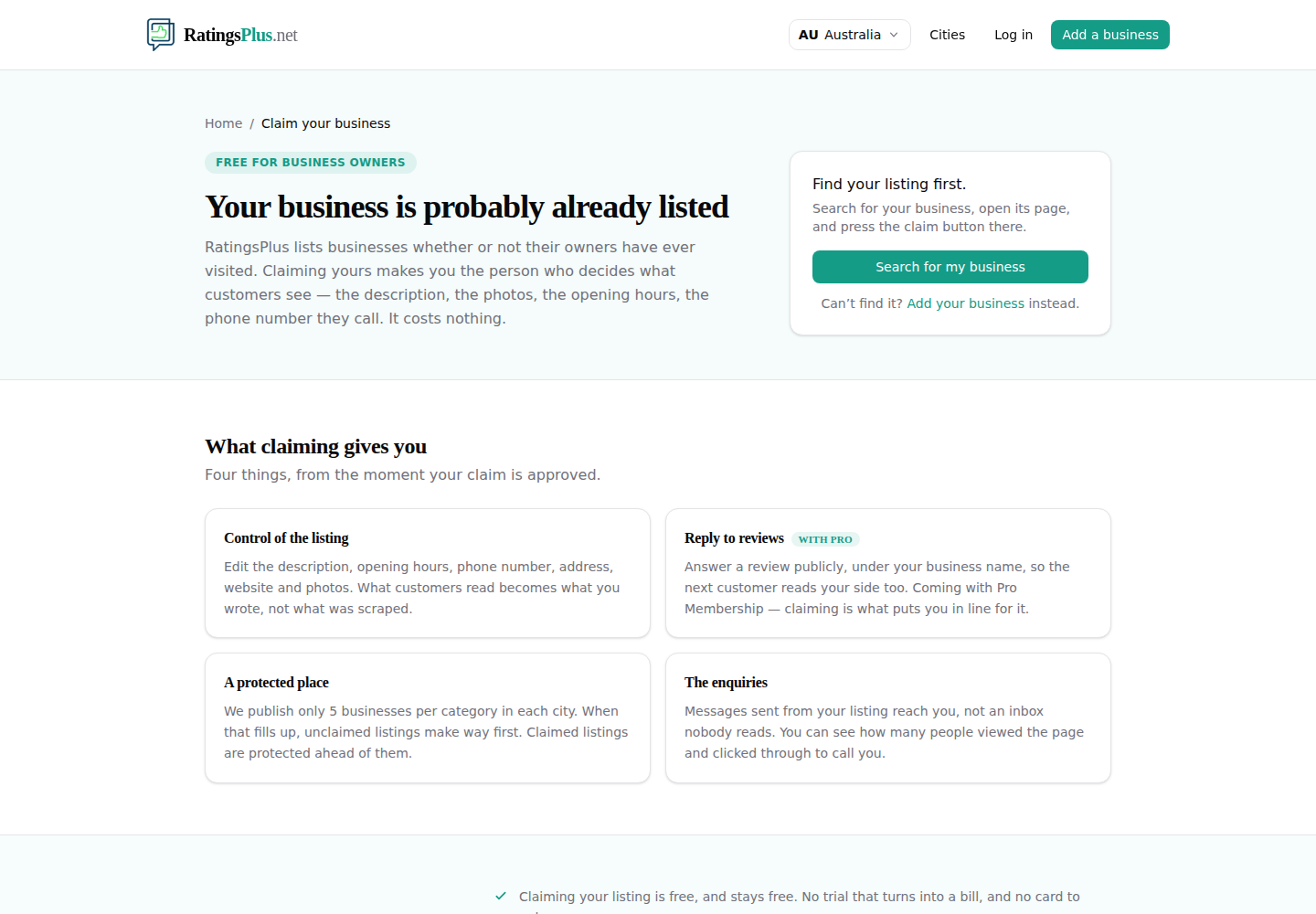
Is your business already on RatingsPlus.net? Claiming the listing connects it to your account so you can keep the business details up to date and respond as the owner.
It is free to claim a business. You will need to sign in or create an account before sending the claim.
Start from the claim page
Open Claim your business. This page explains what claiming does and lets you search for the listing you need.
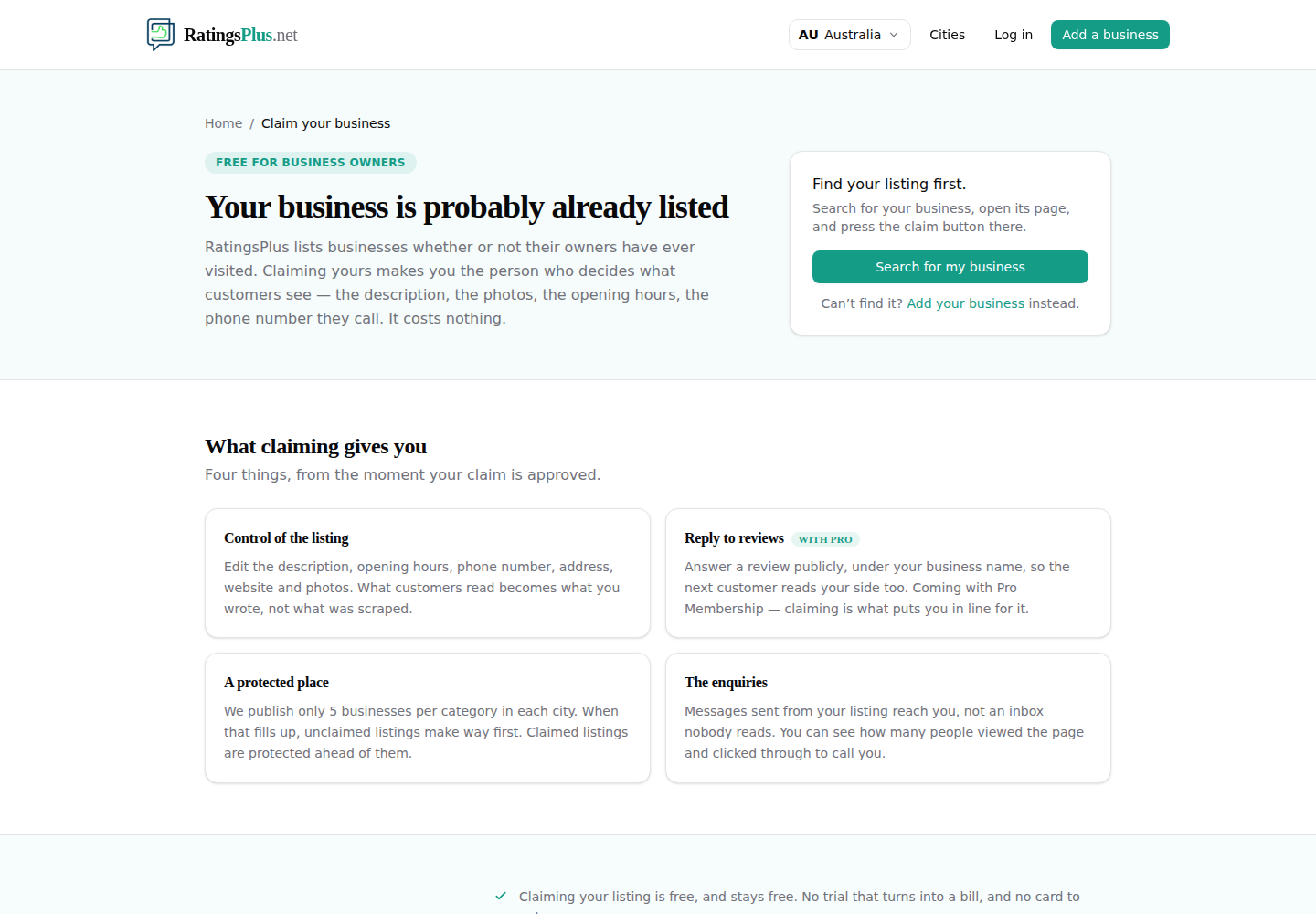
Search for your listing
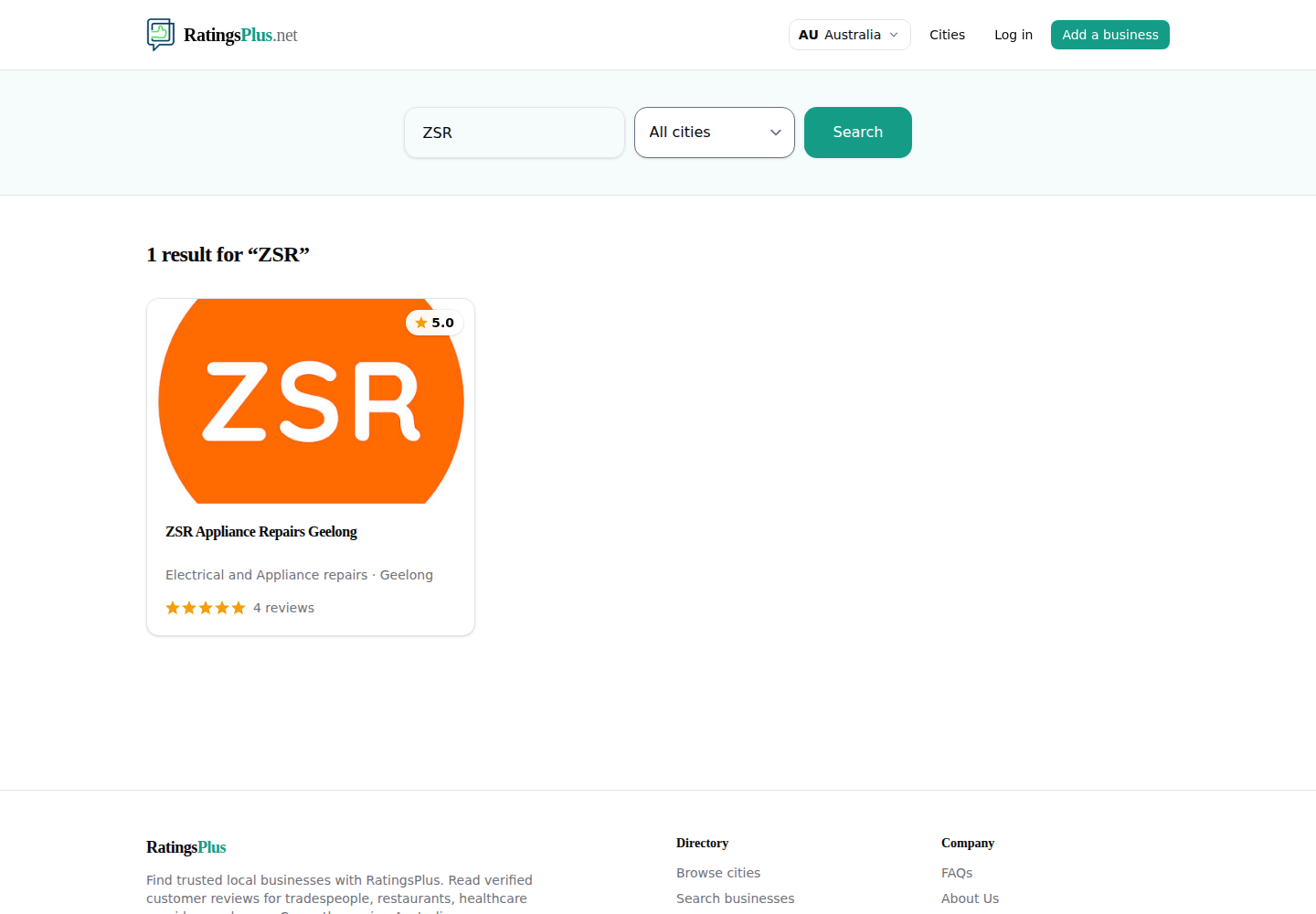
Enter your business name. Adding the town or city is helpful if the name is shared by other businesses. Select the result that matches your business.
Sign in and send your claim
On the listing’s claim page, choose Sign in to claim. If you do not have a RatingsPlus account yet, create one first, then return to the listing to continue.
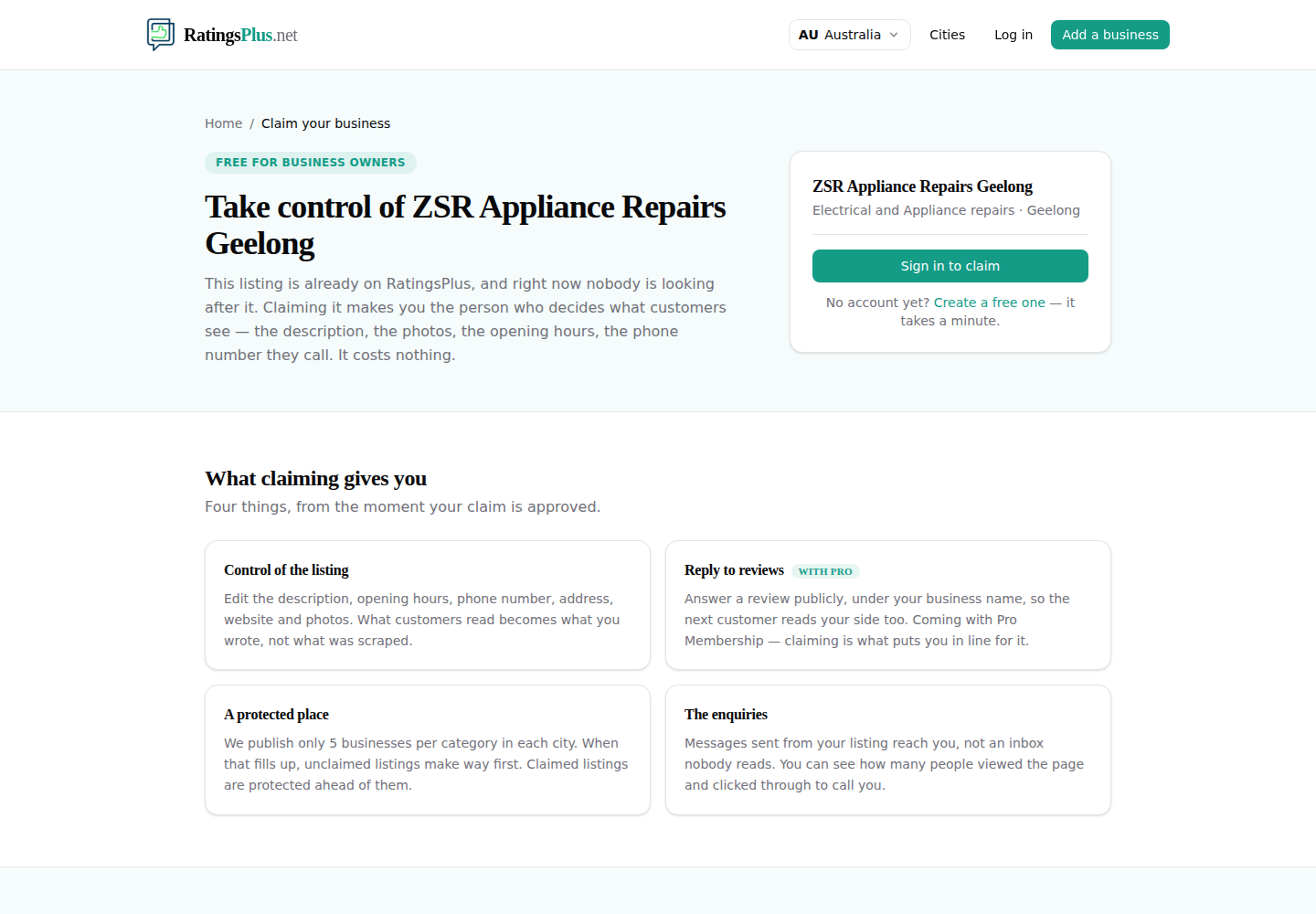
Once signed in, follow the on-screen steps and submit the claim. There is no charge for this.
What happens next?
We review claims before ownership is transferred. A claim may be approved straight away when the details can be verified automatically. Otherwise, the RatingsPlus team checks it before making the change.
Questions people ask
What if I cannot find my business?
Try a shorter version of the name and include the location. If it is not listed, you can add your business instead.
Will claiming the listing change its reviews?
No. Claiming confirms who manages the listing. It does not remove or alter existing customer reviews.
Can I claim more than one business?
Yes, provided you are authorised to manage each business. Submit a separate claim for each listing.